Koma Stream
Anime streaming app for Windows
Watch anime in one app. Pick Japanese sub or English dub, see what airs this week, and pick up right where you left off.
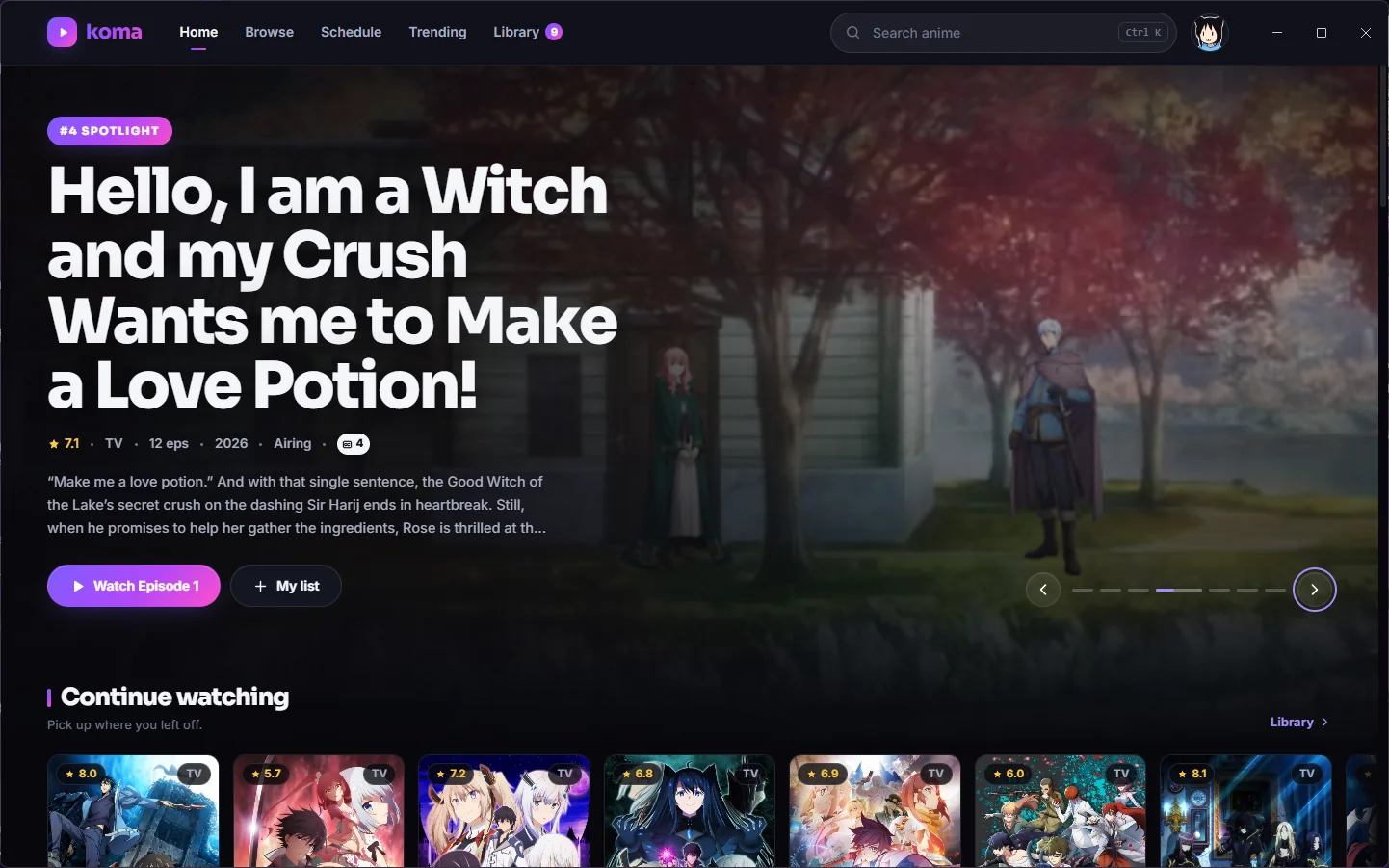
- Sub and dubSwitch between Japanese sub and English dub in one click. Koma remembers which you like.
- Skips the introSkips intros and outros when it can, and plays the next episode after a short countdown you can cancel.
- Airing scheduleThis week's episodes with countdowns, shown in your time zone.
- Your listWatch progress, resume points and continue watching. Syncs with AniList if you sign in.
- Trending and top 10Live from AniList: trending, this season, all-time top 10, genres and instant search.
- Keyboard shortcutsSpace or K to pause, J and L to skip, F for fullscreen, M to mute, N for next episode.
Screenshots
Install it
- Download Koma-Setup.exe with the button above.
- Run the installer. If Windows SmartScreen shows up, choose More info, then Run anyway.
- Koma opens on its own and starts what it needs in the background. Next time, open it from the Start Menu or your desktop.
Everything runs on your PC
Koma comes with everything it needs to play episodes, so there's nothing else to install. No Node, no Python, no extra windows.
Its servers only listen on your own computer, so nothing is open to your network and you won't get firewall prompts. They stop when you close Koma.
If something goes wrong, the logs are in %APPDATA%\Koma\logs.
Versions
Releases on GitHubLoading versions from GitHub